
SOP Library
Below you will find Standard Operating Procedure (SOP) documentation that our team has created that explains how to perform various tasks within TheTestMart. Click on the thumbnail image to view or download the PDF file. View the video tutorials here.
The Test Capture Recorder Tool
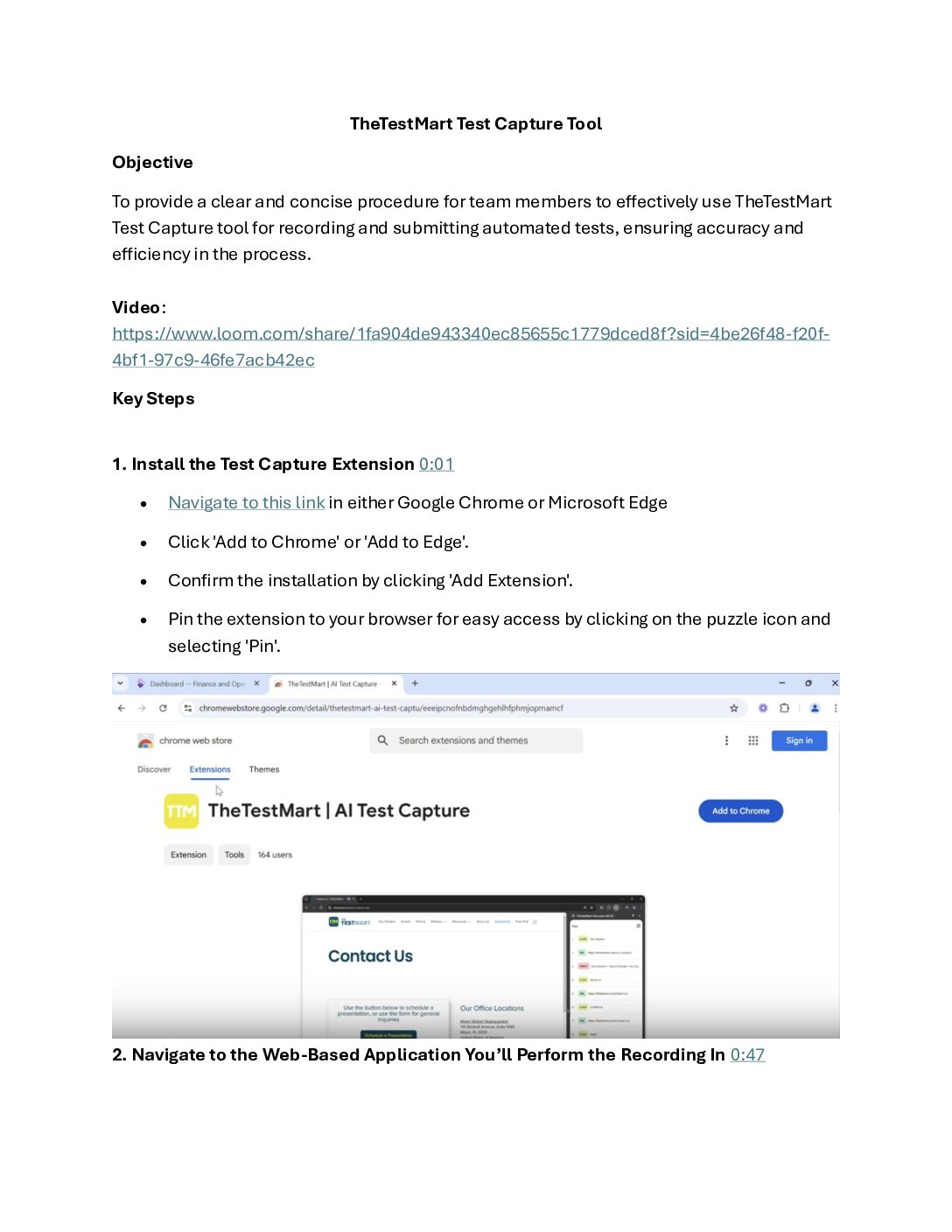
Learn how to use the TestMart Test Capture extension tool to record and convert your business cases into automated tests. The document covers installation, recording a test, and submitting it to the TestMart team for development.
Upgrading Test Versions in TheTestMart
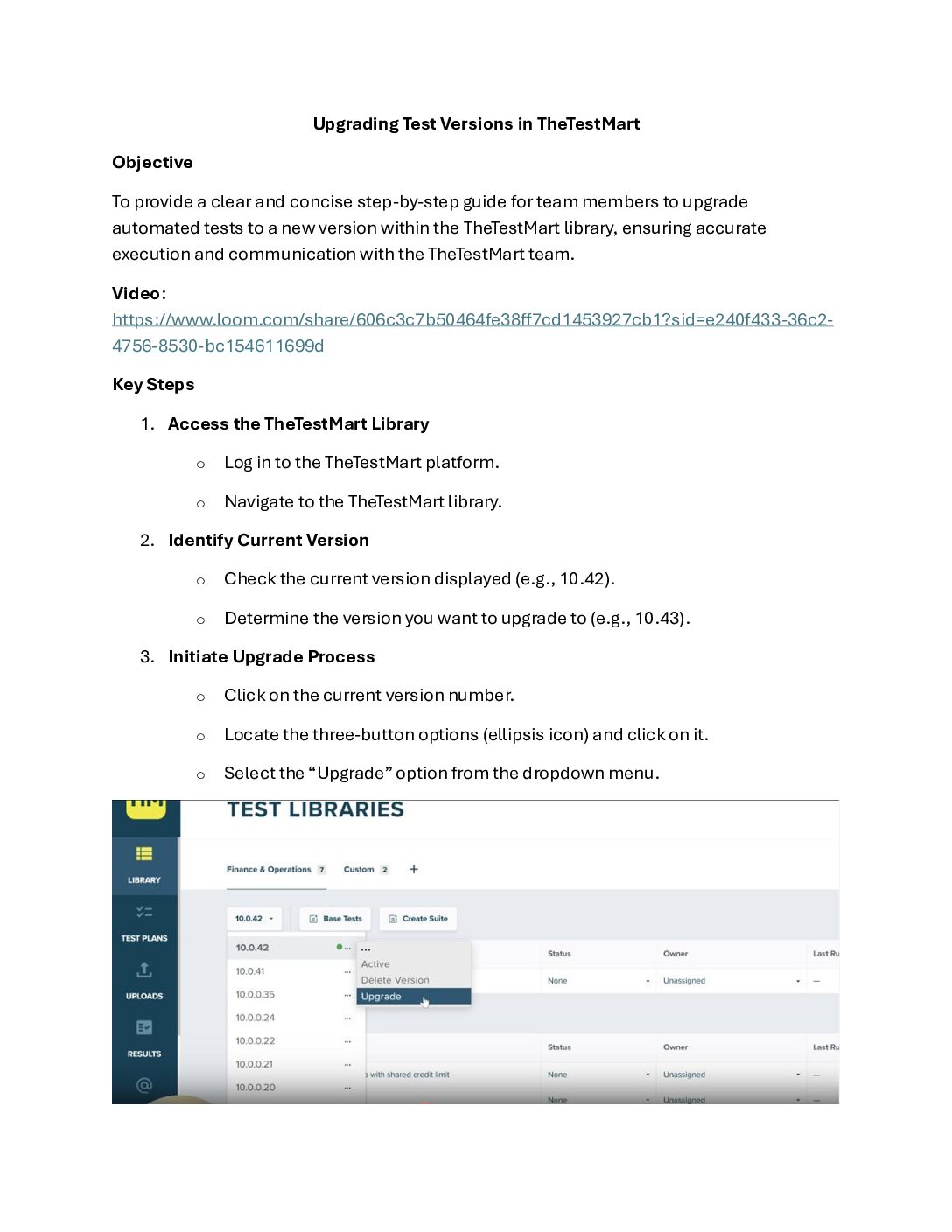
This document provides a step-by-step guide on how to upgrade your automated tests to a new version within the TestMart library. It also explains how to set the new version as active and highlights the option to have the TestMart team perform the upgrade for you.
Overview of TheTestMart Library
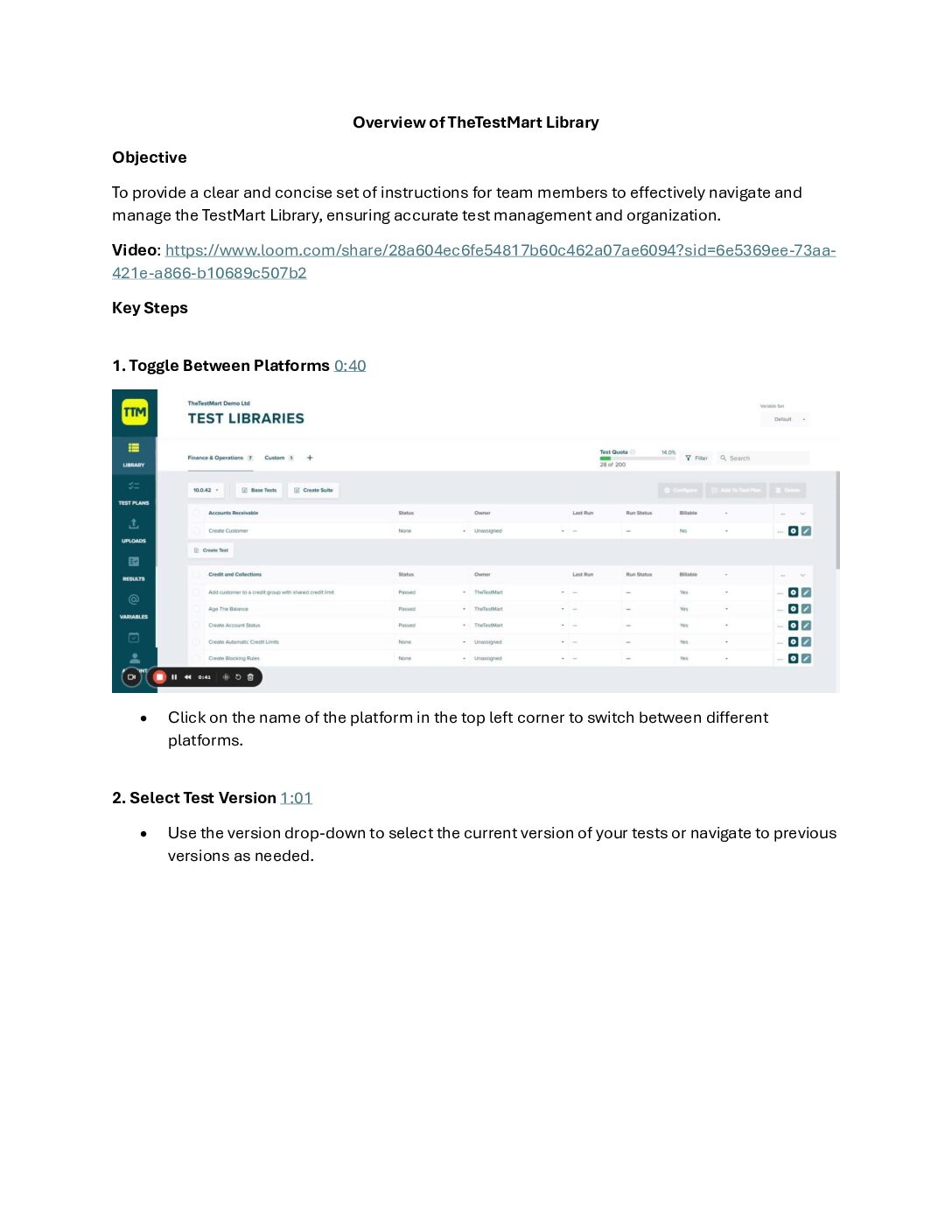
This document provides an overview of the TestMart library, explaining its features and how to use it. It covers navigating the library, managing platforms, adding and customizing base tests, creating test suites, and accessing the recordings page.
Understanding Test Failures
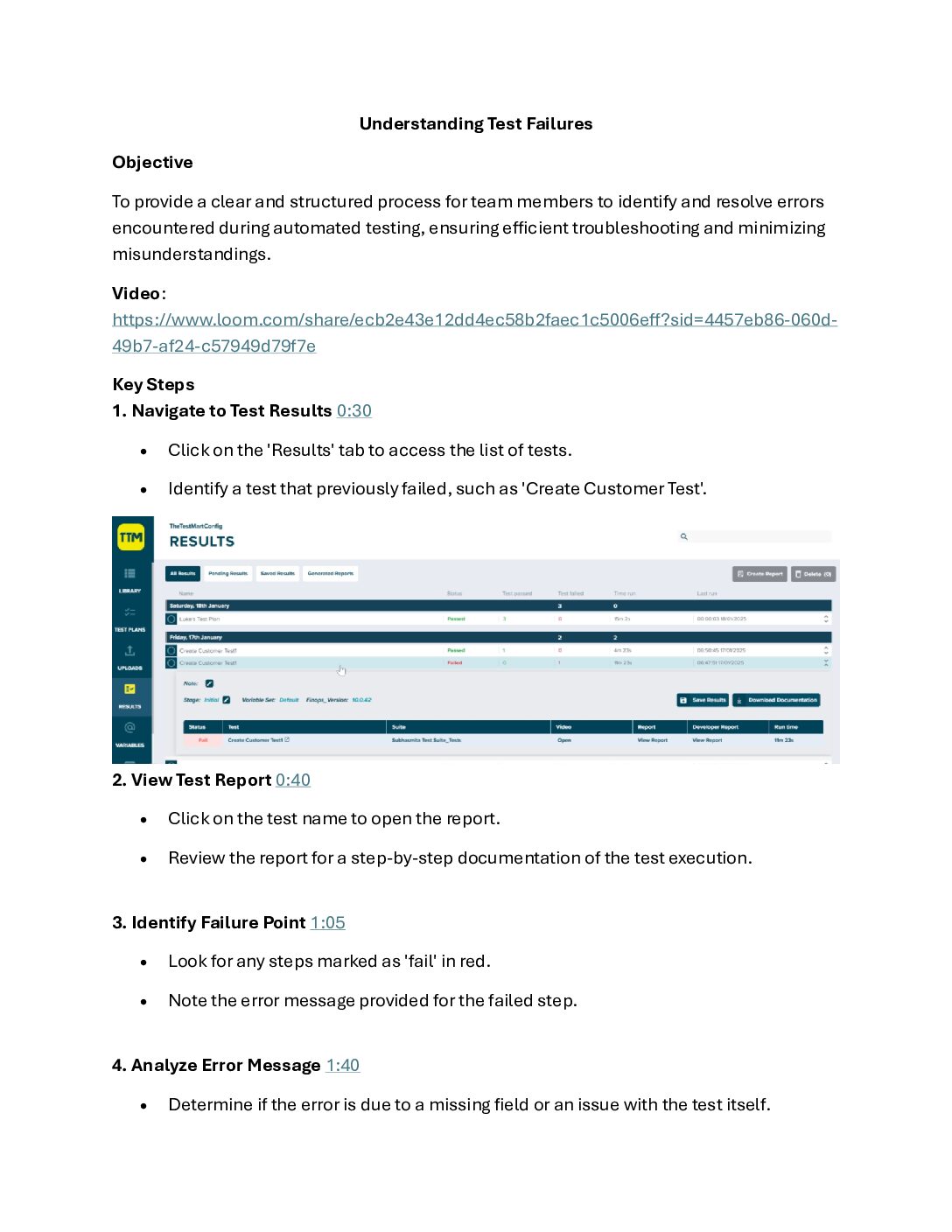
Learn how to review and understand test results in automated testing, focusing on identifying and resolving errors. The document provides guidance on distinguishing between business process issues and automation-related errors, and offers tips on troubleshooting and seeking support when needed.
Adding a Variable
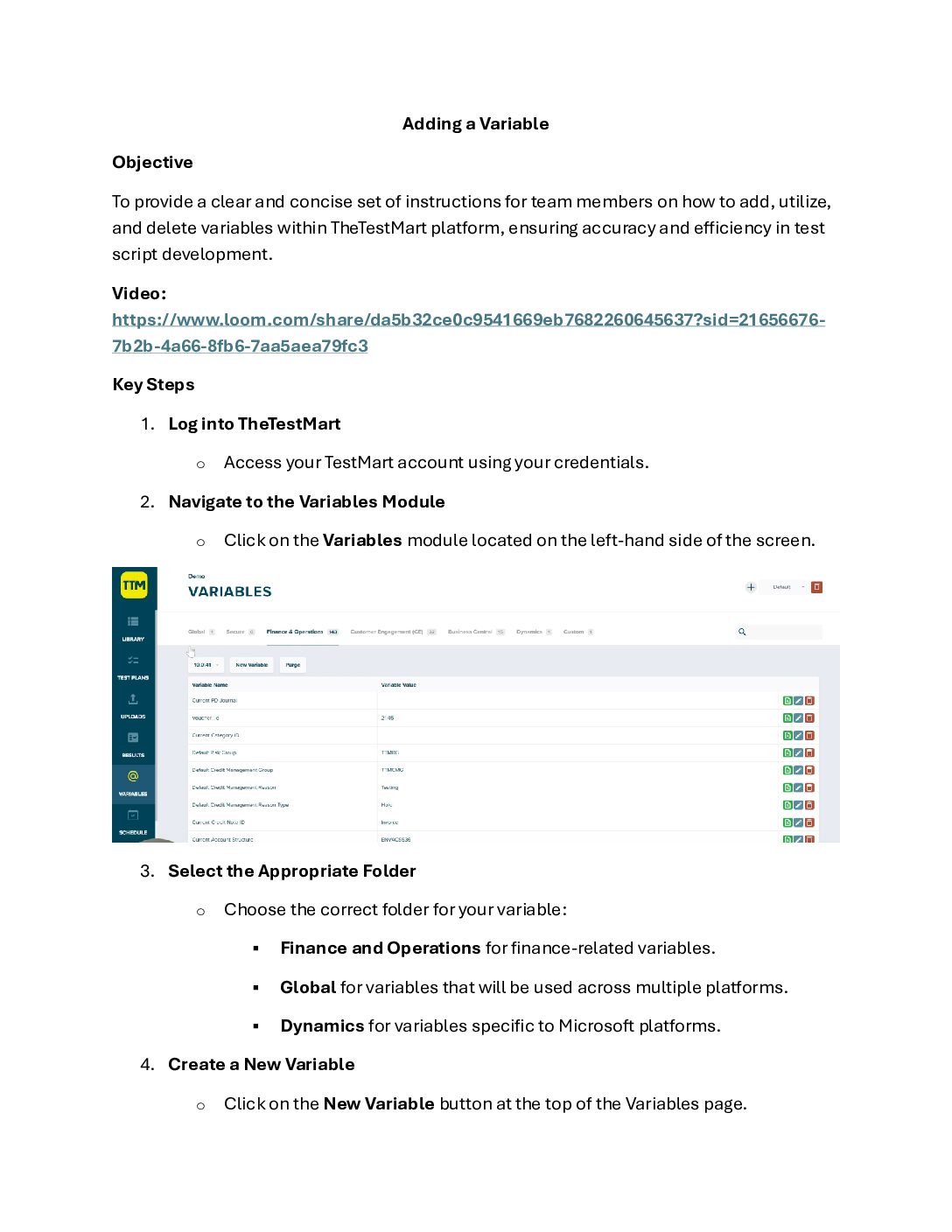
This document explains how to add variables in the TestMart environment to streamline test development and enhance maintainability. It covers navigating to the Variables module, creating new variables, and using them in test scripts. The video also demonstrates how to search for, verify, and delete variables within the platform.
Test Plan Setup
This document guides users through the process of creating a test plan in TestMart. It demonstrates how to select tests from the library, add them to a new or existing test plan, and organize the plan with headers and delays. The video also highlights the importance of test plans for managing tests with data requirements or prerequisites.
Running Test Plans
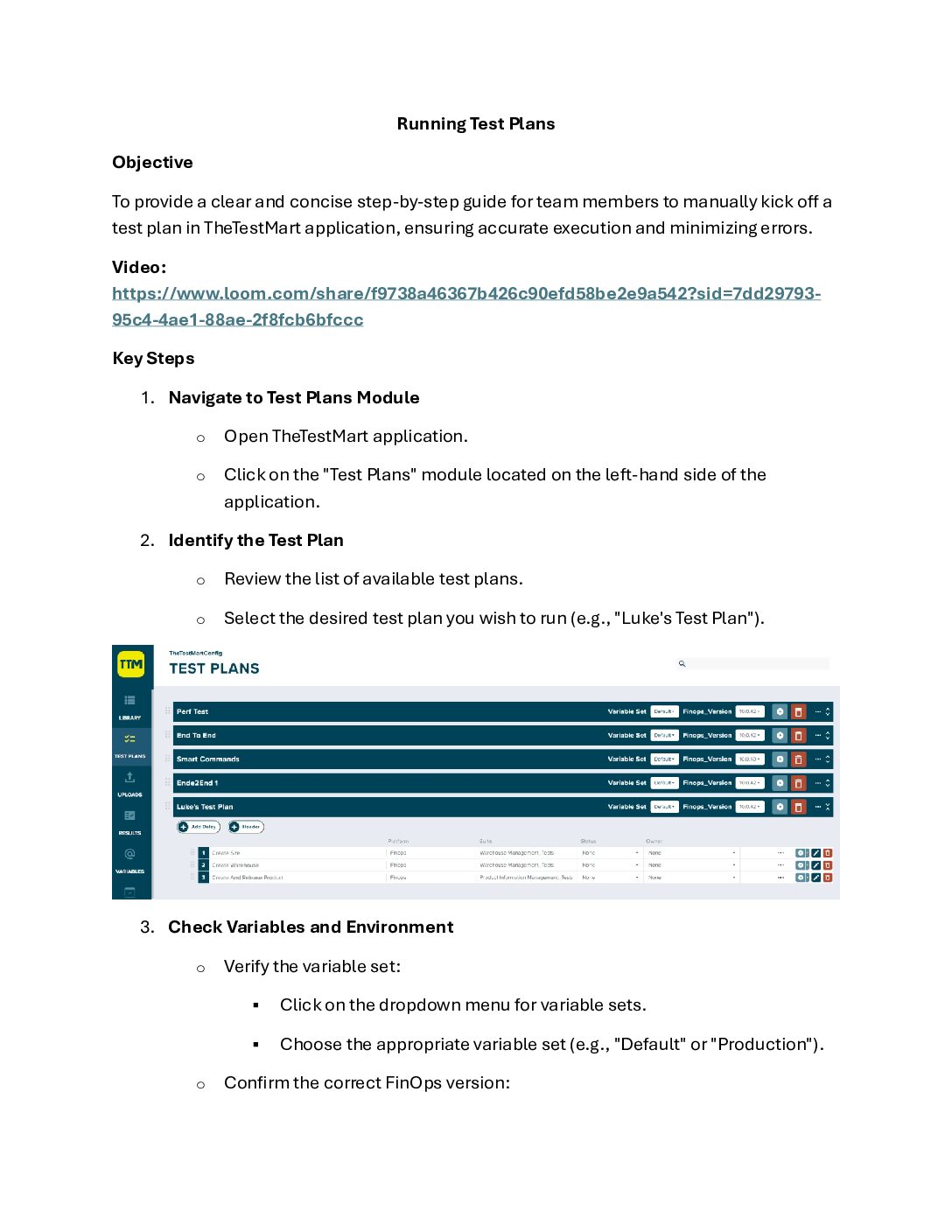
This document demonstrates how to manually kick off a test plan run within TestMart. It covers navigating to the test plans module, selecting the desired test plan, setting variables, and utilizing options like "stop on failure" and "skip on prerequisite failure" to optimize execution. The video also shows how to monitor the progress of the test plan run in the results tab.
Schedule Test Plans
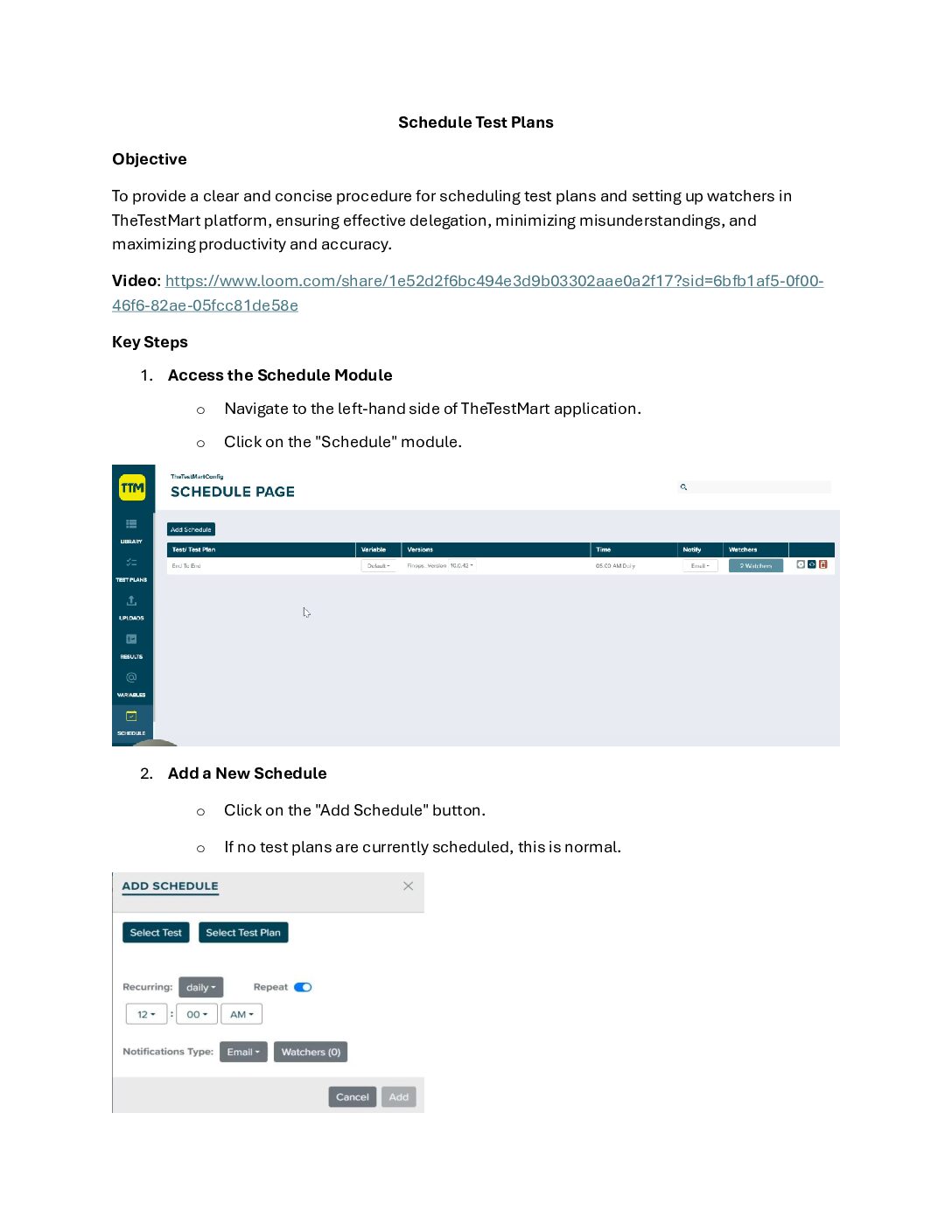
This document explains how to schedule test plans and set up watchers within the TestMart platform. It demonstrates two methods for scheduling: using the Schedule module and directly within a test plan. The video also covers how to customize schedules and generate reports upon test plan completion.
Download Documentation
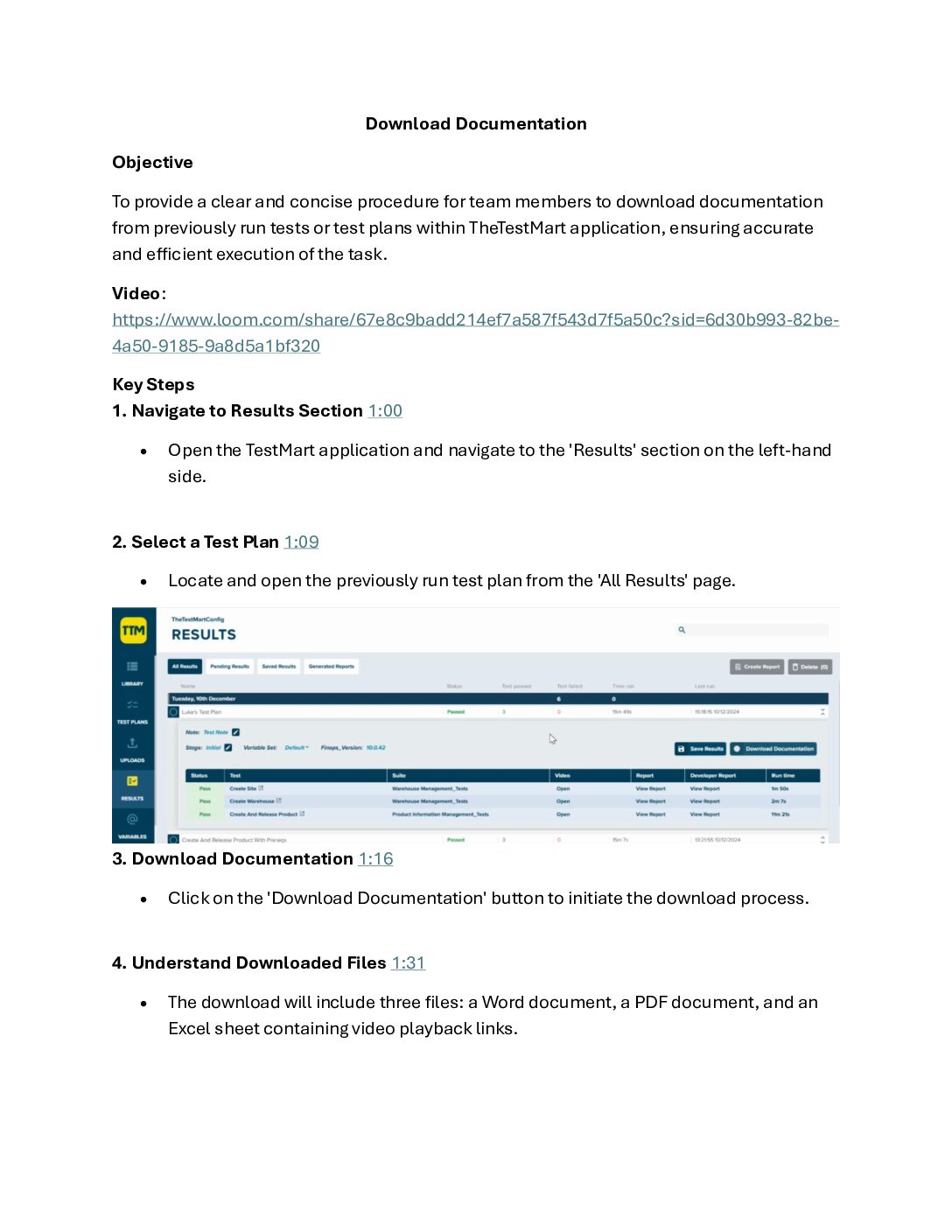
This document demonstrates how to download documentation from previously run tests or test plans in TestMart. It covers downloading in Word, PDF, and Excel formats, and highlights the inclusion of step-by-step instructions and video playback links. The video also shows how to share this documentation with team members for training or auditing purposes.
Exporting Results and Creating Reports
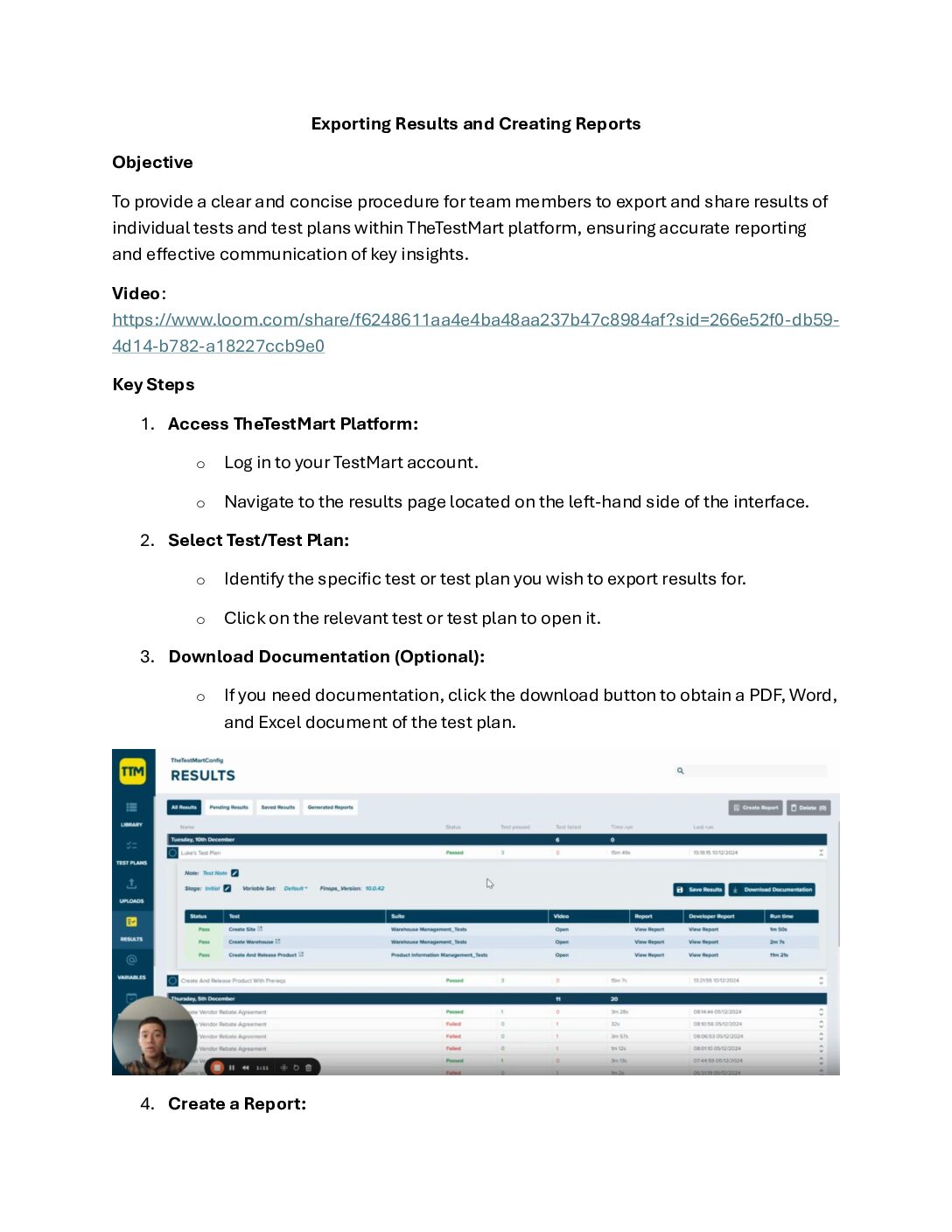
This document demonstrates how to export and share test results using the TestMart platform. It covers the steps to generate reports for individual tests and test plans, and explains how to export these reports in various formats such as PDF, Word, and Excel. Additionally, the video highlights how to create detailed reports for test plans and share them with both TestMart users and non-users.
Suggestions?
Are you interested in a tutorial for a different task? Let us know what you are looking for and we will do our best to create the perfect document for your task.